







Table of contents
Almost every dispute about a workshop invoice traces back to the moment the vehicle was booked in: it was not clear what had been ordered, what it was meant to cost, or which scratches were already there. Ten minutes at the vehicle, together with the customer, save an hour on the phone later.
A workshop job does not have to be in writing to be valid. In a dispute, though, what counts is what can be shown — and there a completed form with a signature cannot be replaced by anything, least of all by a good memory.
Booking in does three jobs at once: it records what is to be done, it documents the condition of the vehicle at handover, and it settles the customer's expectation on price and date. If one of the three is missing it gets done later — usually in the middle of an argument.
What booking in has to achieve
Before the forms, it is worth looking at the purpose. The three jobs can be checked separately, and each has its own way of failing.
| Job | When it is missing |
|---|---|
| Record the work unambiguously | The customer expects something nobody wrote down — and pays for something they did not want. |
| Document the condition | At collection there is a scratch nobody saw beforehand. Without a record it is one word against another. |
| Settle price and date | The invoice comes as a surprise, or the vehicle is not ready when it is needed. |
What stands out is that none of these jobs is technical. They cost time at the counter, and that is exactly where the saving happens when it is busy. The way out is not to get faster but to structure the intake so that it is complete in ten minutes.
A job does not have to be in writing. In a dispute, only what is on the paper counts anyway.
Interactive reception: round the vehicle together
The most effective part of booking in does not happen at the counter but at the car. The customer comes along, and you say out loud what you see. That takes three to five minutes and gets the condition record done along the way.
What gets recorded:
- Mileage and fuel level — both belong on the job sheet, and both are a common query afterwards.
- Existing damage — scratches, dents, stone chips, wheel damage. Marked on a vehicle diagram or photographed, in the customer's presence.
- Accessories and peculiarities — locking wheel nut key, second key, roof bars, retrofitted equipment, missing spare wheel.
- Valuables — raise it actively and let the customer take them with them. Whatever stays in the vehicle belongs in a note.
- Tyres and brakes — a glance at tread depth and tyre age costs nothing and is the most common occasion for an additional offer the customer genuinely needs.
Photographs are the quickest instrument and have a side effect that is often underrated: they protect the customer as well as you. Handle the record as something you do together rather than as evidence-gathering against the customer, and nobody objects to it.
When there is accident damage involved
As soon as a third party or an insurer is paying, the intake changes: then you need the date of the accident, the other party, the insurer, the claim number, and the question of whether an assessment exists. Ask for all five at the counter — chasing them a week later, once the vehicle is apart, is the version that costs you the margin.
The job sheet: the fields that carry
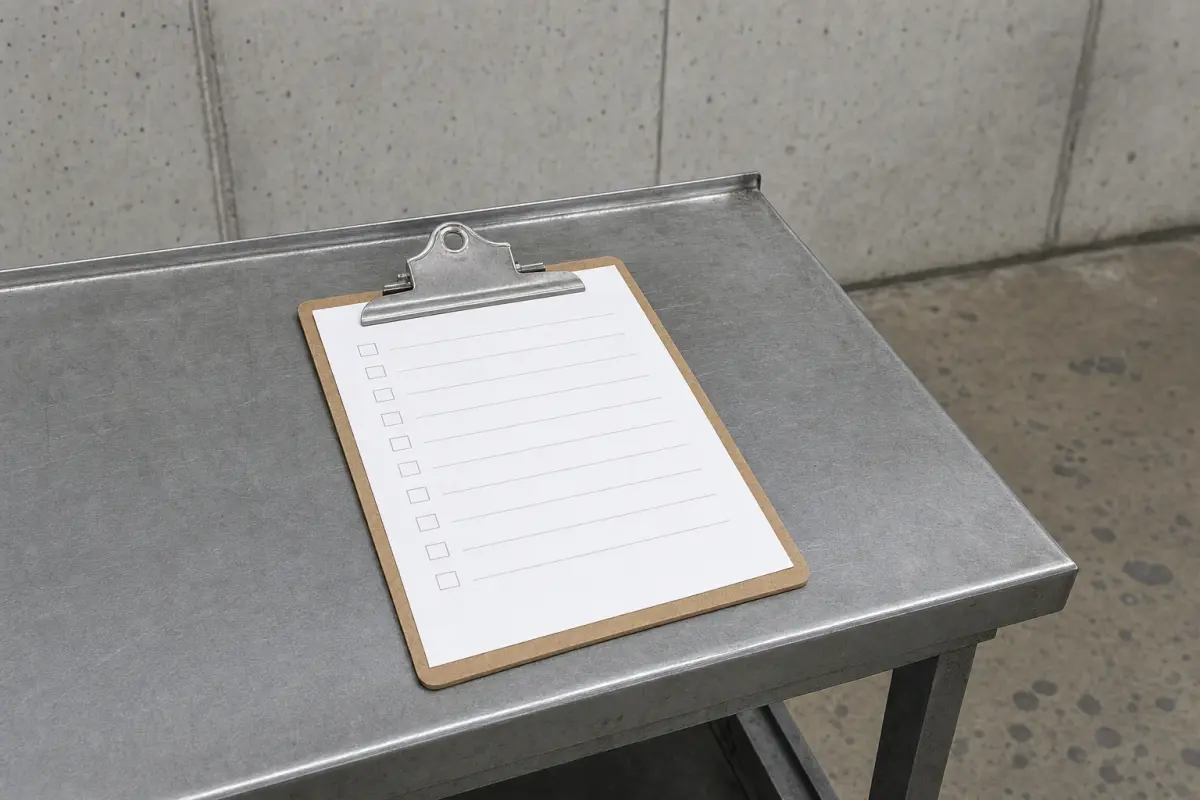
A job sheet is rarely too short, usually too vague. These entries are the ones that decide it in case of doubt:
- The customer in full — for business customers the registered name of the company, not the name of the driver. Missing here, it will be missing on the invoice too, and then it comes back.
- The vehicle with its VIN — the registration plate alone is not enough, neither for ordering parts before the appointment nor for matching things up later.
- The mileage at intake.
- The symptom in the customer's words, verbatim. "Vibrates from 60 when braking" is a diagnostic aid; "check brakes" is not.
- The work ordered, item by item. "Service to manufacturer's schedule" is fine, "do whatever is needed" is not.
- Cost range and approval limit — more on that in a moment.
- How to reach them — a number the customer will actually answer today.
- Collection or completion date — later it is also the reference point if a vehicle is left standing and nobody collects it.
- Test drive permitted — yes or no, so the question does not come up during the work.
- Old parts — does the customer want them back, or do you dispose of them.
- Signature.
The last line is the one most often missing, because it was urgent. An unsigned job sheet is worth barely more in a dispute than a note.
What a digital intake form replaces here is exactly one move: capturing things again. Customer and vehicle are already in the system, the mileage comes from the last invoice, and the details land on the later document without being copied out. What you ask and what you look at on the vehicle does not change.
Related articles
Cost range and extending the job
The second most common point of dispute after scratches is the size of the invoice. It arises when no figure was mentioned at intake — or when one was and nobody wrote it down.
So always name a range, even when you do not yet know the scope, and record it in writing — together with whether you are charging a fixed price or by time and materials. Part of that is an approval limit: the amount up to which you may carry on without asking. If it is exceeded, you call — and that is not courtesy but the basis on which the extra work gets paid for later.
Document the call
An approval given over the phone is effective and worthless afterwards if it is written down nowhere. Note four things on the job sheet: date and time, who you spoke to, what was approved, and up to what amount. Ask the customer to confirm by message and you have the evidence as well.
How binding a figure named at intake actually is, and how far it may be exceeded, is decided by the law where you operate and by what the two of you agreed — but the moment it is decided is the intake, not the invoice. Get the range and the limit onto the sheet and the question rarely arises.
Keys, custody and data
With the handover the vehicle passes into your custody. What follows from that is unspectacular and decisive when something happens to it.
- Count the keys and note the number. How many you received goes on the job sheet. They are kept in a fixed place that is not publicly accessible.
- The registration document does not belong in the vehicle. If you need it for ordering, take a photo and give it back.
- Record where it is parked if the vehicle stands outside overnight. That is an insurance question too — settle with your insurer what is covered for customer vehicles on your premises before the first hailstorm.
Data in the vehicle
Modern vehicles store contacts, call logs and navigation destinations. Working on infotainment and taking test drives can bring your business into contact with them. Two habits are enough: pair no more than you need, and delete your own device from the list when the work is done. The customer's existing data is not to be touched, and certainly not read out.
The same restraint applies to your own records: what you capture of a customer's details serves the job. The job sheet itself is part of the audit trail and gets kept — how long and in what form is set by the retention rules where you operate.
Walk round the car with the customer, write the symptom in their words, record mileage, damage and accessories, name a range with an approval limit, and get a signature. That is the whole routine, and it works on a carbon-copy pad exactly as it does on a tablet.
If you add only one field, make it the approval limit. It ends the most unpleasant kind of phone call — the one where a customer is looking at an invoice they never approved.
Running the workshop without paperwork?
Jobs, labour units, parts and invoices in one system. From drop-off to the e-invoice, with nothing entered twice.